Custom software / food production
Digital HACCP journals for food production
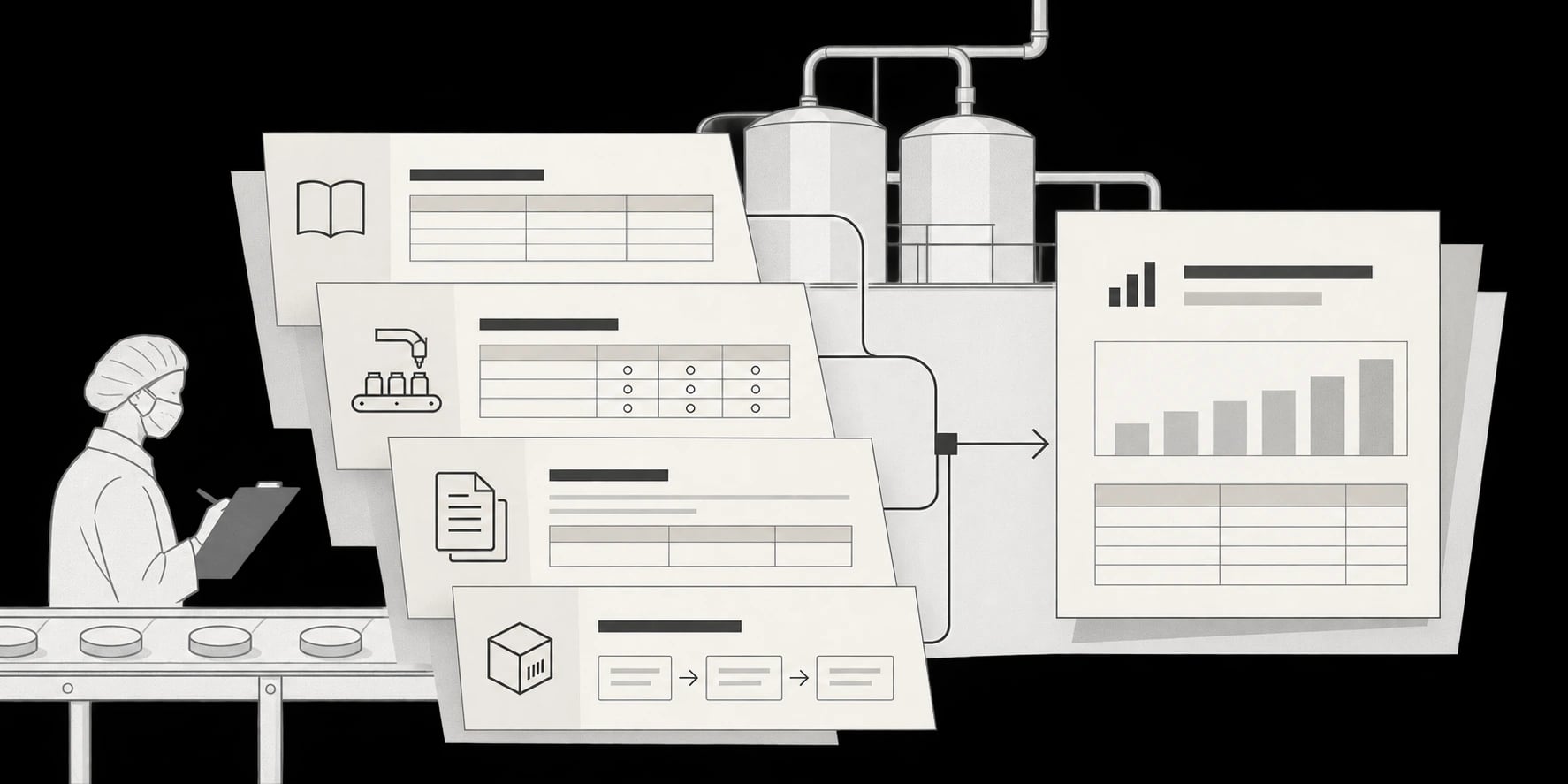
At a food factory, inspections ran on schedule but results still went into paper journals. We built an application that lets employees record checks on the production floor, even offline, while administrators monitor entries and prepare documents for inspection.
01 / Where it started
Paper journals were becoming hard to manage
The facility regularly checked temperatures, equipment and cleaning. Employees wrote the results in paper journals, each with its own schedule and person responsible. With production duties to attend to, some entries were delayed and administrators had to search through the records to see what was missing.
The business had already tried off-the-shelf digital tools. Some introduced extra fields, tags and steps that had nothing to do with the inspection. At the same time, they could not always reproduce the required forms. Food-safety requirements and the company's established procedures determined how checks were performed and recorded. Those procedures could not simply change to fit a software interface.
The app also had to work without a permanent connection. Coverage was unreliable in some workshops, warehouses and cold rooms. And some of the services the client considered charged for each generated document without producing a journal in the layout the facility needed. With frequent reporting, that would become a recurring cost.
Paper journals across multiple areas. Administrators tracked down missing or late entries by hand.
Records in one system, assigned responsibilities, mobile entry and documents in the required format.
02 / What we did
We started with the existing journals
We reviewed each journal: what employees recorded, who was responsible, how often checks took place and what the final document had to look like. From that, we built individual forms, schedules and assignments. Administrators allocate tasks, employees see their journals and managers can review the status of entries.
Related production paperwork is handled in the same application. A calendar records which workshops are operating. Receiving and dispatch have their own forms, while directories hold vehicle and driver details so staff do not have to type them again each time.
For journals with recurring information, the app prepares drafts from existing data and agreed rules. An employee checks the draft against actual readings, makes any corrections and confirms it. A prepared draft is not proof that an inspection or measurement took place.
How an employee completes a journal
- 01Get an assignment
An administrator assigns the journal and deadline. The employee receives a reminder when the check is due.
- 02Open the form on site
Use the reminder or scan the QR code beside the equipment.
- 03Record the results
Fill in the form on a phone. Without internet, the entry remains saved on the device.
- 04Sync when connected
Once the connection returns, the app sends the entry to the server where others can access it.
- 05Review and confirm
The responsible employee checks the data, corrects mistakes and confirms the entry. The journal can then be exported for a selected period.
What we accounted for
Checks continue without a connection
Employees can fill out and save a journal at their work area. The app uploads it when the connection returns; until then the entry remains on the device.
Prefilling never replaces a real check
The application prepares repetitive information, but an employee must confirm the actual measurements and inspection results. Incorrect values can be corrected before an entry is finalized.
Printable documents and reusable data
PDFs follow the journal layouts used by the facility, including columns, details and signature spaces. XLSX and CSV are available for further processing. There is no additional charge for generating each document.
03 / Explore the work
Inside the application
The journal list, an offline mobile entry, document export and a work dashboard. Company and employee details have been hidden in the screenshots.
04 / What changed
What changed for the facility
Employees can fill in journals where they perform the checks. Assignments and reminders make the next task visible, while a lost connection no longer prevents an entry from being saved. After synchronization, administrators can review the incoming records and see which tasks are still outstanding.
The app prepares recurring information in advance. Confirmed records can be exported as printable PDFs in the required layout, or as XLSX and CSV for further work. There is no per-document fee, although building and maintaining the system still incurs costs.
04 / Business impact
The economics of everyday reporting
Consider a plant with 30 journals and 340 entries a month. Here is how per-document fees add up, and how much routine entry time automation could free up.
With a fee per document
In our application
$0additional charge per exportWith 5 minutes less repetitive entry per record
340 entries × 5 minutes. The time spent performing inspections and measurements is unchanged.
Where 340 entries come from
A pricing comparison using a model fee of RUB 300–700 per document, not local market pricing. A single export may contain an entire reporting period. Development, hosting and maintenance costs are excluded. USD figures use the official rate effective 21 November 2026. Exchange-rate source
ACG / LET'S TALK
Need digital journals for your facility?
Tell us what your staff checks, which forms you need and where delays occur. We can look at the actual procedures and discuss what is worth automating.